
Download Key Remapper – Free, Secure, and Lightweight Mouse & Keyboard Remapping Tool for Windows, Mac, Android, iOS
Key Remapper is a premium yet affordable utility software designed to give users complete control over their keyboard and mouse inputs. Unlike generic key remapping tools, Key Remapper specializes in advanced mouse customization, allowing you to redefine button functions, scroll wheel behavior, and even assign keyboard modifiers to your mouse. Whether you're a gamer, designer, or productivity-focused professional, this tool helps you tailor your input devices to match your exact workflow.
With no system restart required, real-time updates, and support for application-specific remapping, Key Remapper stands out as a reliable and secure solution. The software is compatible with Windows, Mac, Android, and iOS, making it a versatile choice for multi-device users. Try the free trial today and unlock the full potential of your mouse and keyboard.
Advanced Customization for Mouse and Keyboard Input
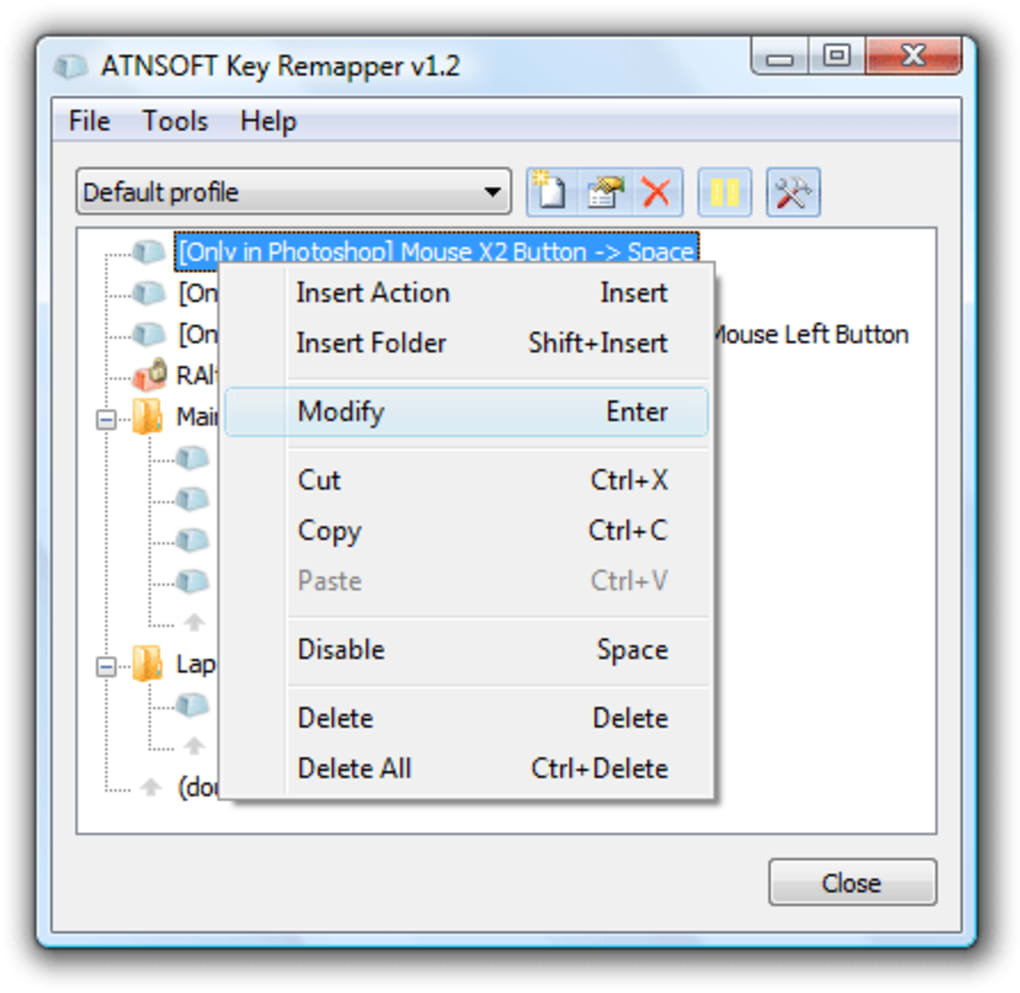
Key Remapper is not just another key remapping utility—it’s a precision instrument built specifically for mouse peripherals. While many tools focus solely on keyboard layout changes, Key Remapper excels in enabling users to redefine every button on their mouse, including the scroll wheel, side buttons, and even the middle click. This level of control is ideal for gamers who want to assign complex actions to a single button or professionals who need to streamline repetitive tasks. For instance, you can reprogram a side button to trigger a macro that saves your document, opens a specific application, or performs a series of keystrokes in rapid succession. The software supports advanced features like double-click simulation with a single press, which is especially useful for users with physical limitations or older mice with worn-out buttons. One of the most powerful aspects of Key Remapper is its ability to use keyboard keys as modifiers. By combining your Ctrl, Shift, or Alt keys with mouse actions, you can create highly customized shortcuts that go far beyond standard functionality. For example, holding Shift while clicking the right mouse button could trigger a context menu in one app but perform a different action in another. This flexibility ensures that your setup adapts to your workflow, not the other way around. Moreover, remapped functions can be applied system-wide or restricted to specific programs—perfect for gaming, where you might want different controls in a first-person shooter versus a productivity suite. All changes are saved instantly and don’t require a reboot, making the tool both efficient and user-friendly.Seamless Installation, Cross-Platform Compatibility, and Real-Time Updates
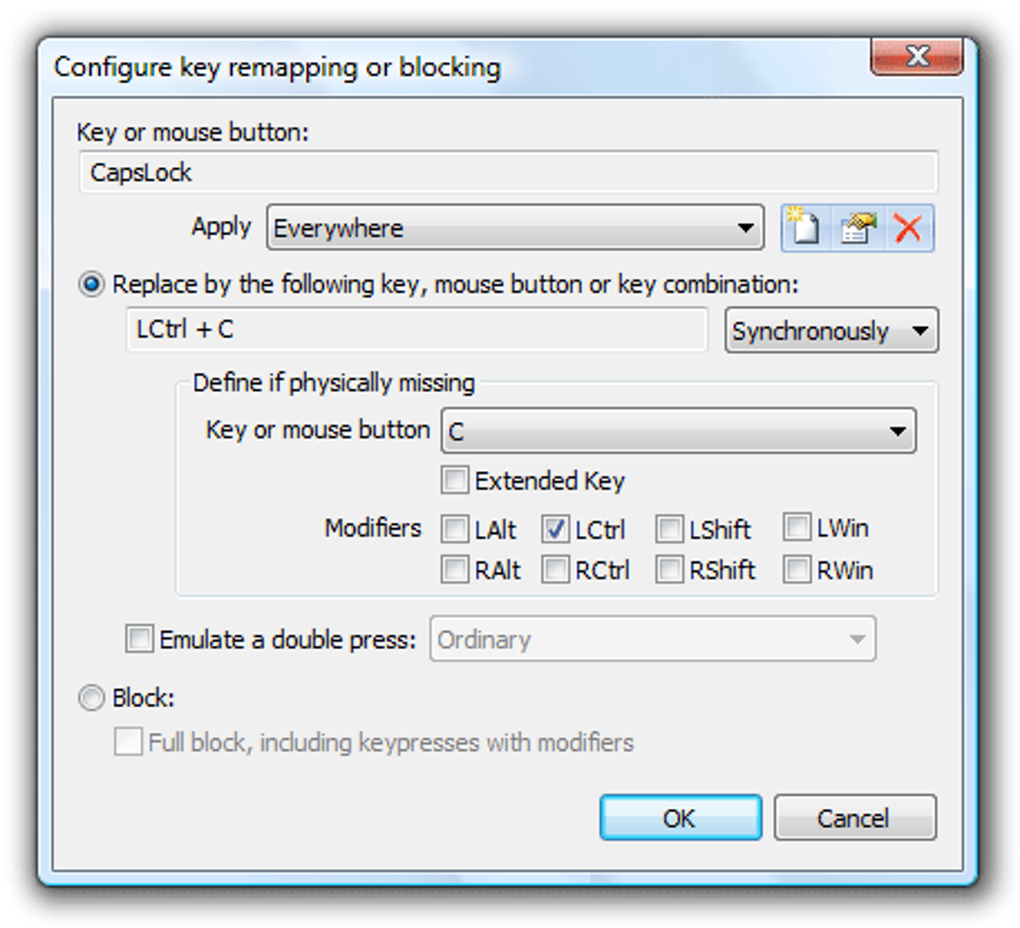
Getting started with Key Remapper is straightforward, whether you're using Windows, Mac, Android, or iOS. The download process is quick and secure, with a lightweight installer that doesn’t burden your system. After installation, the intuitive interface guides you through the setup, allowing you to begin remapping in under a minute. No technical expertise is required—just select your device, choose the button or key you want to modify, and assign a new function from a comprehensive list of options, including keystrokes, mouse actions, macros, and system commands. Compatibility is one of Key Remapper’s strongest points. It works seamlessly with a wide range of input devices, from standard mice to high-end gaming peripherals and even touchpads. The software detects connected devices automatically and provides a real-time preview of changes, so you can test your setup instantly. On Windows and Mac, it runs efficiently in the background without consuming significant CPU or RAM. For mobile users, the Android and iOS versions offer touch-based remapping, allowing you to customize gestures and button responses on tablets and smartphones. Updates are delivered automatically, ensuring you always have access to the latest features, security patches, and bug fixes. This commitment to continuous improvement makes Key Remapper a future-proof investment for any user.Why Key Remapper Stands Out: Pros, Cons, and User Benefits
When compared to alternatives like SharpKeys or KeyTweak, Key Remapper offers a more comprehensive and user-centric experience. Its primary advantage lies in its specialized focus on mouse remapping, which gives it a clear edge over keyboard-only tools. Here’s why users consistently rate it highly:- Pros:
- Specialized for mouse button and scroll wheel customization
- Real-time changes with no system restart needed
- Supports application-specific remapping and window-level control
- Lightweight and low resource usage
- Free trial available with full feature access
- Secure, ad-free, and regularly updated
- Works across Windows, Mac, Android, and iOS
- Cons:
- Advanced features may require a learning curve for beginners
- Some macro functions are limited in the free trial
- Mobile version has fewer customization options than desktop
Frequently Asked Questions (FAQ)
- Is Key Remapper free to download?
Yes, Key Remapper offers a fully functional free trial that allows you to test all features. After the trial, you can purchase a license based on your usage needs—individual, family, or commercial plans are available.
- Can I use Key Remapper with gaming mice?
Absolutely. Key Remapper is compatible with most gaming mice and supports advanced button remapping, macros, and multi-key combinations. It works particularly well with devices that have programmable side buttons and scroll wheels.
- Does Key Remapper require a system restart?
No. One of the biggest advantages of Key Remapper is that all changes take effect instantly. You don’t need to restart your computer or reconfigure your system settings.
- Is Key Remapper safe to use?
Yes. The software is developed by ATNSOFT with a strong focus on security and privacy. It does not collect user data and runs in a sandboxed environment to prevent conflicts with other applications.
- Can I apply remappings to specific applications?
Yes. Key Remapper allows you to set remapped keys and buttons to work only within certain programs or windows, giving you granular control over your workflow.







